Have a question about 10.0.0.1, a Piso WiFi portal that looks different from our guides, or a correction? Contact us using the form below. You can also write about broken links, outdated screenshots or a guide you would like to see. We read every message and usually reply within two working days.
Send a message
What to include when you contact us
A clear message gets a faster, more useful answer. Please include:
- The device you are using (for example an Android phone, iPhone or Windows laptop).
- The Piso WiFi brand or router model, if you know it.
- The exact address you typed, such as
10.0.0.1or10.0.0.1/admin. - The error message or what you see on screen, word for word.
- The steps you already tried from our guides.
- A screenshot, if you can attach one.
Please do not include passwords, voucher codes or payment details. We never need them to answer a question.
What we can help with
- Explaining a step in one of our guides that is unclear.
- Pointing you to the right guide for your device, router or Piso WiFi brand.
- Fixing mistakes, broken links or outdated screenshots on the site.
- Adding guides for brands, models and error messages readers ask about.
Who to contact instead
Some problems can only be solved by the owner of the machine or your provider. Use this table to reach the right people first:
| Problem | Who can fix it |
|---|---|
| Coins not counted or time lost on a Piso WiFi | The owner of the vendo |
| Admin password for a vendo you bought | The seller or installer |
| Xfinity account, billing or gateway swap | Xfinity Support |
| Home internet down for every device | Your internet provider |
| Router hardware fault | The router manufacturer |
Corrections and guide suggestions
Piso WiFi software and router menus change often. If a guide shows a button, menu or address that no longer matches your screen, tell us which page you were reading and what you see instead. Suggestions for new guides are welcome too, especially for vendo brands and router models we have not covered yet. Screenshots of the new screen are the fastest way to update a guide accurately.
Contact FAQ
How long does a reply take?
Most messages get an answer within two working days. Corrections to a guide may take a little longer while the steps are checked.
Can you log in to my router or vendo for me?
No. We only give written guidance. Nobody from 100001IP will ask for remote access to your device or for your passwords.
Can I suggest a new guide?
Yes. Tell us the brand, router model or error message you want covered, and how you found the problem. Popular requests are added first.
What happens to the details I send?
They are used to answer your message. Read the Privacy Policy to see how messages sent through this form are handled and stored.
Can I contact you about something else?
Yes. Use the same form for feedback, partnership or legal questions, and put the topic in the first line of your message so it is easy to route.
Do you work for a Piso WiFi company?
No. 100001IP is independent and not affiliated with any vendo brand, router maker or internet provider. See the About page for details.
Before you write
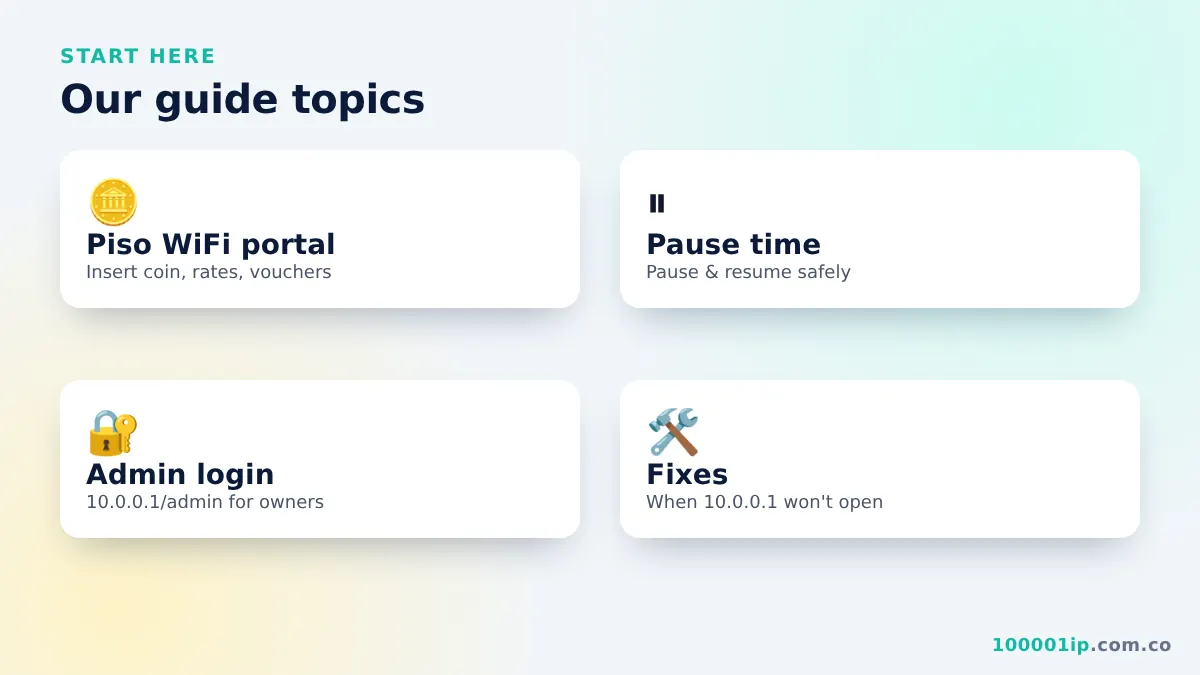
Most questions are answered in these guides:
These three guides solve most problems in a few minutes. If you still need help after trying them, contact us with the details listed above and mention which steps did not work.
Note: we cannot add time to your Piso WiFi session or reset someone else’s vendo. For coin or time problems, contact the owner of the machine.