
If 10.0.0.1 will not open, connect to the right WiFi, turn off mobile data, type http://10.0.0.1 in the address bar, and disable Private DNS and VPN. If it still fails, check your real gateway IP in WiFi settings.
10.0.0.1 not working? When the portal fails, the page either keeps loading, shows “This site can’t be reached”, or sends you to Google. Work through these 10.0.0.1 not working fixes from top to bottom. Most people are back online by fix 4.
Why is 10.0.0.1 not working?
In almost every case the problem is on the device, not the machine. 10.0.0.1 is a local address, so your phone has to send the request over the WiFi to the vendo or router. Anything that pushes traffic somewhere else, such as mobile data, a VPN, Private DNS or a different WiFi network, makes the page fail. The rest of the time the vendo itself is restarting, or your network simply uses a different gateway address.
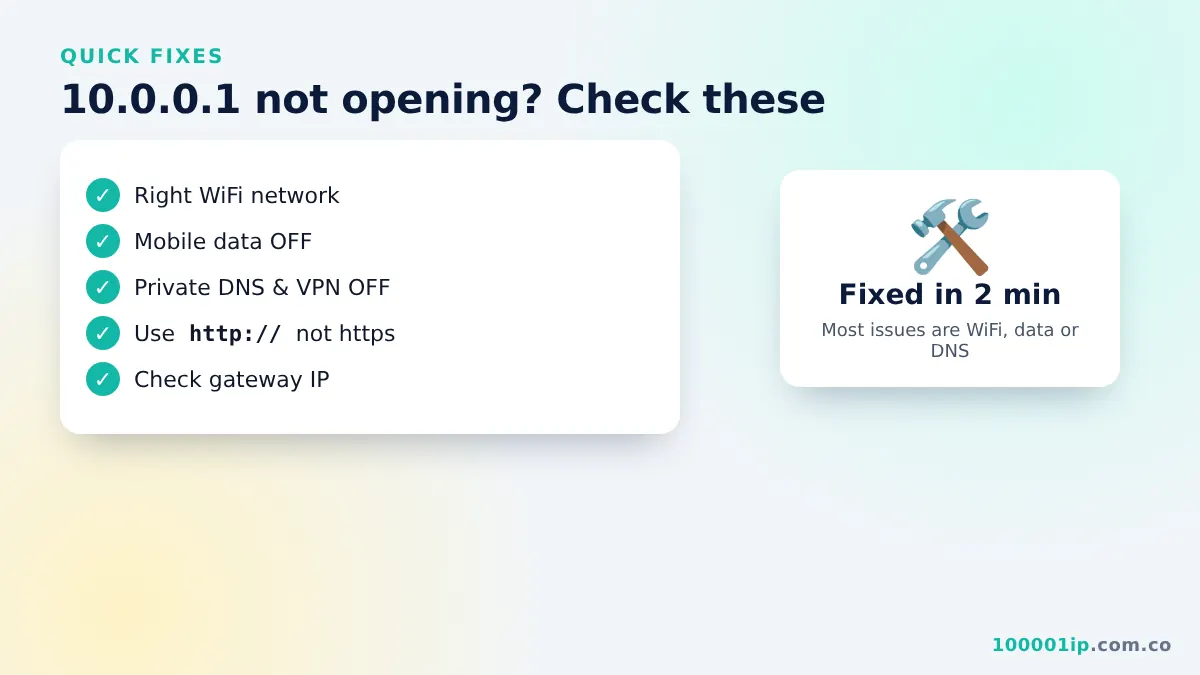
12 fixes for 10.0.0.1 not working or not opening
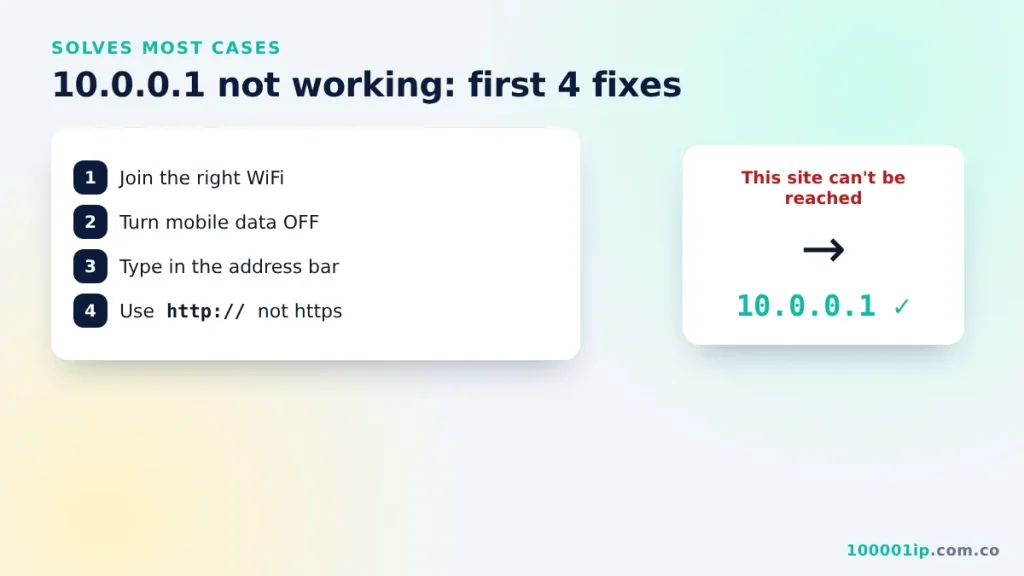
1. Connect to the right WiFi
10.0.0.1 only opens on the network that owns it. Open your WiFi list and make sure you are on the Piso WiFi or router network, not a neighbour’s or a saved one.
2. Turn off mobile data
Phones with data on may route the request over 4G or 5G, where 10.0.0.1 does not exist. Switch data off while you use the portal.
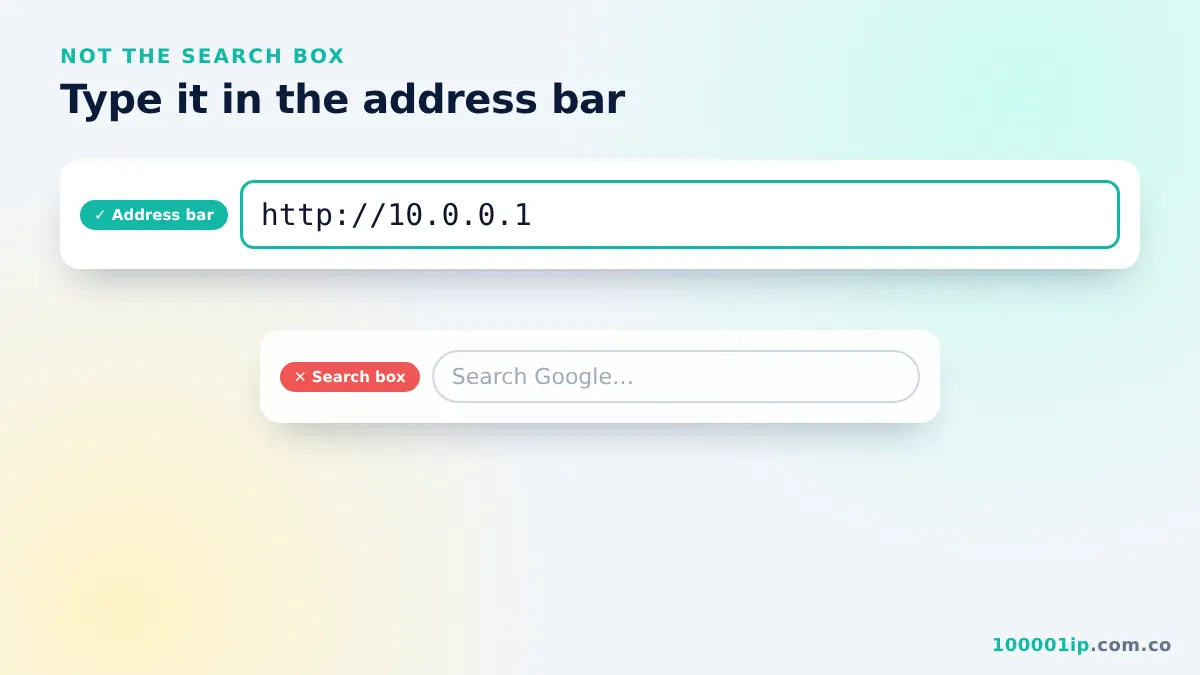
3. Type the address in the address bar
Type http://10.0.0.1 in the bar at the top, not the Google box. Check for typos such as 1.0.0.0.1 or 10.0.0.0.1.
4. Use http, not https
Most portals do not have an SSL certificate. If your browser forces https, type http:// in full.
5. Turn off Private DNS (Android)
Settings → Network & internet → Private DNS → Off or Automatic. A custom Private DNS (DNS over TLS) can block local portals.
6. Disable VPN and ad blockers
VPN apps send all traffic away from your local network. Pause them while you use 10.0.0.1.
7. Use the device MAC address
Random MAC can make the portal forget you. Set the network’s privacy option to Use device MAC.
8. Forget and rejoin the network
Tap the WiFi name → Forget, then connect again. The “Sign in to network” pop-up should appear.
9. Clear browser cache or use incognito
An old cached page can loop forever. Open a private or incognito tab and try again.
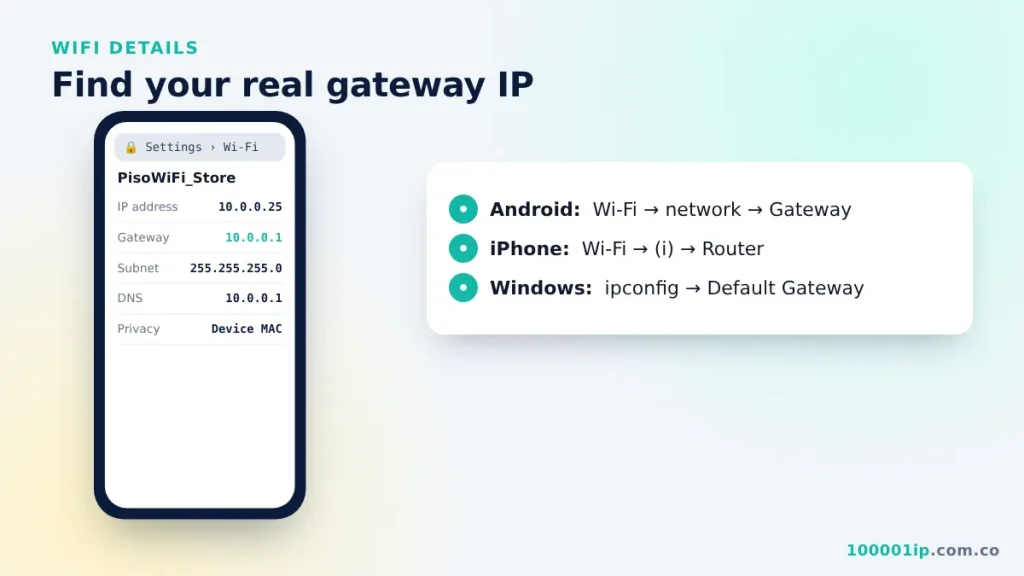
10. Check your real gateway
Still seeing 10.0.0.1 not opening? Your network may use another address such as 10.0.0.138, 10.0.0.2 or 192.168.1.1. On Windows run ipconfig; on phones check WiFi details for Gateway or Router.
11. Try another browser
Switch between Chrome, Safari, Firefox and Edge. Avoid in-app browsers inside social media apps.
12. Restart the device or ask the owner
When the Piso WiFi not loading problem hits every customer, the vendo or router is probably restarting or offline. Wait two minutes or tell the owner.
What 10.0.0.1 not working error messages mean
| Message | Likely cause |
|---|---|
| This site can’t be reached | Not on the right WiFi, or the device is off |
| ERR_CONNECTION_TIMED_OUT | Wrong gateway IP, or VPN/Private DNS is on |
| Google search results appear | Typo or typed in the search box |
| 404 Not Found | The path (e.g. /status) does not exist on that machine |
| Connected, no internet | Your time ran out or the owner’s internet is down |
10.0.0.1 not working FAQ
Why does 10.0.0.1 work on my laptop but not my phone?
Your phone probably has mobile data, Private DNS or a VPN switched on, or it is using a random MAC address. Turn those off and reconnect. Laptops rarely have these settings on by default.
Is 10.0.0.1 not opening because the internet is down?
No. The portal is served by the local machine, so it should open even when the owner’s internet line is down. If the portal loads but websites do not, the problem is the internet connection, not the address.
How long should I wait after a restart?
Most vendos and routers are back in one to three minutes. Wait until the WiFi name reappears, reconnect, then open the portal again.
Who do I contact if nothing works?
Tell the store owner or the person who manages the machine. They can restart it, check the coin slot and see whether your time was recorded.
Related guides
Frequently asked questions
Why can't I open 10.0.0.1?
Usually you are on mobile data or the wrong WiFi, or Private DNS or a VPN is on. Fix those and use http://10.0.0.1.
What if my gateway is not 10.0.0.1?
Check WiFi details for Gateway or Router, or run ipconfig on Windows, and use that address.
Why does it say connected, no internet?
Your Piso WiFi time has run out, or the owner's internet is down.