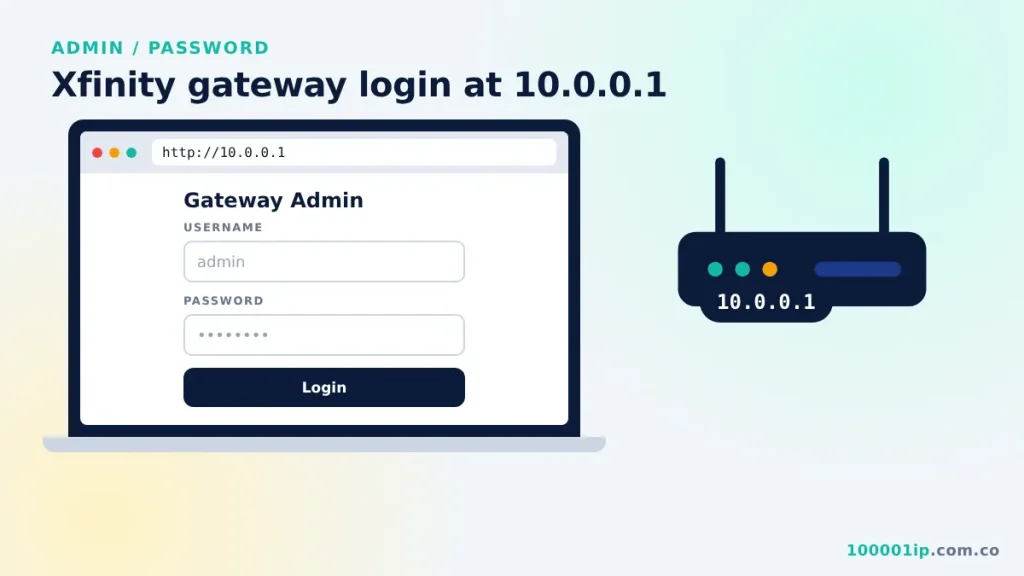
Connect to your Xfinity network, open http://10.0.0.1, and sign in with username admin and password password (or your own password). You will be asked to change the default on first login.
The 10.0.0.1 Xfinity gateway login is where Comcast customers manage their home network. Xfinity gateways use 10.0.0.1 as their local admin address. From there you can change WiFi settings, set up port forwarding and check connected devices. This guide shows how to sign in and what the defaults are.
How to do the 10.0.0.1 Xfinity gateway login
- Connect to your Xfinity WiFi or plug in with an Ethernet cable.
- Open a browser and go to
http://10.0.0.1. - Enter the username admin and the password password (or the password you set earlier).
- Click Login. You will be asked to change the default password on first sign-in.
10.0.0.1 Xfinity default login details
| Setting | Default |
|---|---|
| Admin address | 10.0.0.1 |
| Username | admin |
| Password | password |
| WiFi name and key | Printed on the gateway label |
These defaults only work until someone changes them. Xfinity asks you to pick a new admin password the first time you sign in, so if “password” is rejected, use the one you set or reset the gateway.
What you can change after the 10.0.0.1 Xfinity login
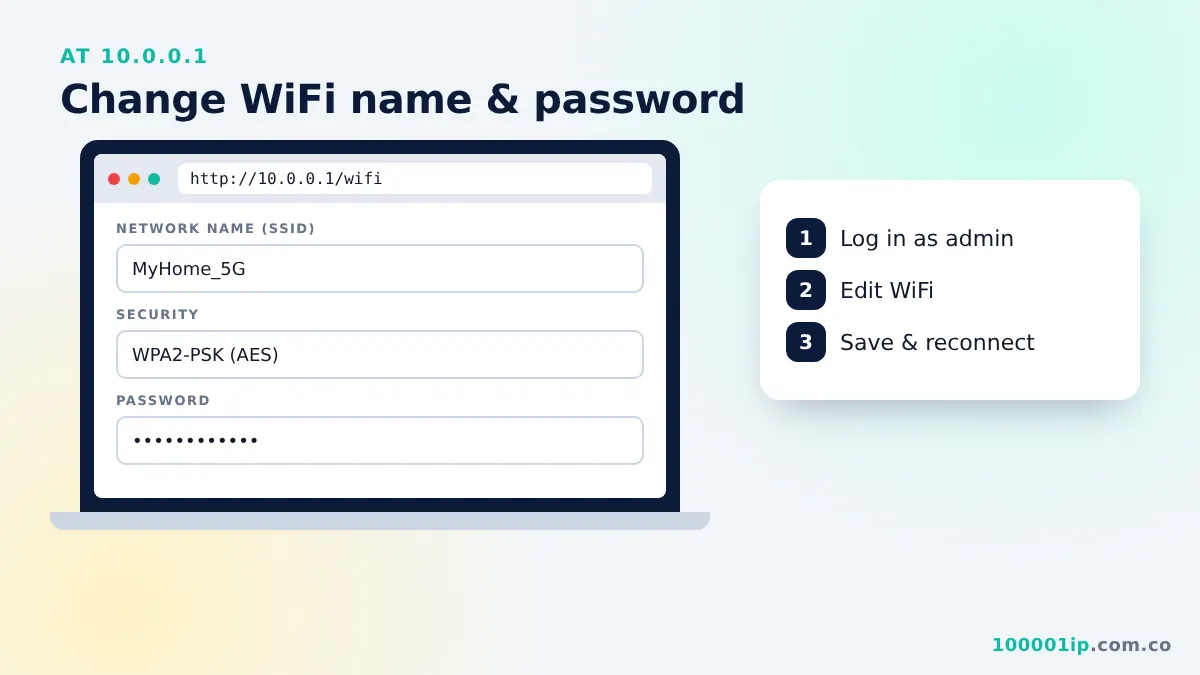
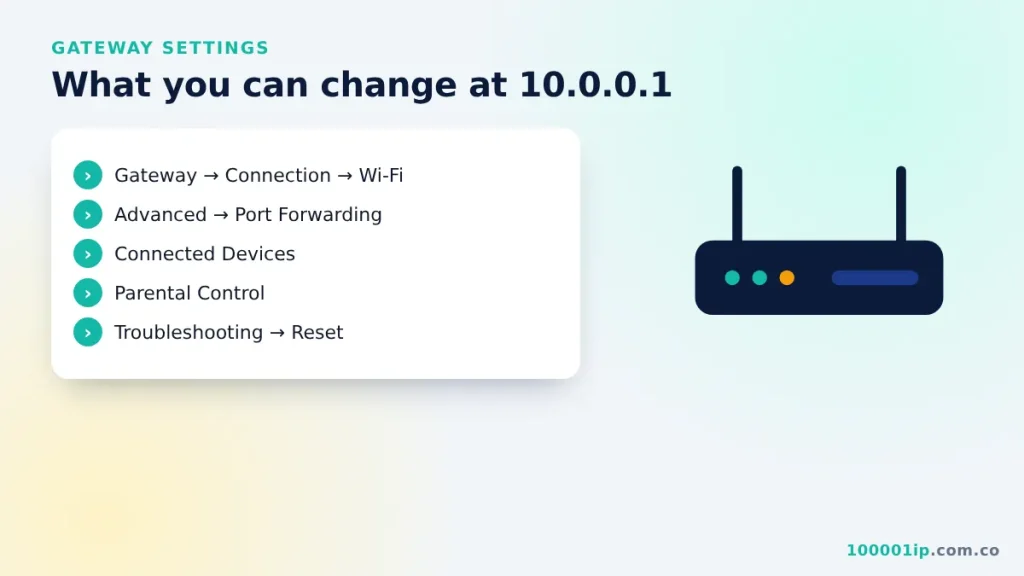
- Gateway → Connection → Wi-Fi: WiFi name and password. See change WiFi password at 10.0.0.1.
- Advanced → Port Forwarding: open ports for games or cameras.
- Connected Devices: see what is on your network.
- Parental Control: block sites or set schedules.
- Troubleshooting → Reset/Restore Gateway: restart or factory reset.
Changes take effect within a minute. Some, like the WiFi name and password, disconnect wireless devices, so make them from a device on a cable or be ready to reconnect.
Xfinity app vs 10.0.0.1
Xfinity also lets you manage WiFi from the Xfinity app. Some newer gateways push most settings to the app, but 10.0.0.1 still gives access to advanced options such as port forwarding and bridge mode on many models. If a setting is missing from the web page, check the app before resetting anything.
Forgot your 10.0.0.1 Xfinity admin password?
Hold the gateway’s reset button for about 30 seconds until the lights flash. It returns to admin / password. A reset also restores the default WiFi name and password printed on the gateway’s label, so reconnect your devices afterwards. If the login page will not open at all, go through 10.0.0.1 not working fixes.
How to set up port forwarding
- Sign in at 10.0.0.1 and open Advanced → Port Forwarding.
- Click Enable, then Add Service.
- Choose the device, enter the port numbers your game or camera needs, and pick TCP, UDP or both.
- Save, then restart the app or device that needs the open port.
Only open the ports you actually need. Every open port is a door into your network, so remove rules you no longer use.
10.0.0.1 Xfinity FAQ
Why does the web page show fewer menus than before?
Some newer gateways move most settings to the Xfinity app. The web page may still open but show fewer options. Use the app for WiFi changes and the web login for the options it still offers.
Does the Xfinity router login work outside my home?
No. The admin page only works on your home network. To manage WiFi while you are away, use the Xfinity app instead.
What is bridge mode?
Bridge mode turns off the gateway’s own router and WiFi so you can use your own router. After you enable it, 10.0.0.1 may stop working and your own router’s address takes over.
Is “admin / password” still safe to use?
No. Anyone on your WiFi could guess it. Change it on the first sign-in and keep the new password somewhere safe.
Related guides
Frequently asked questions
What is the Xfinity default login at 10.0.0.1?
Username admin and password password, unless you changed it.
How do I reset my Xfinity gateway password?
Hold the reset button for about 30 seconds. The login returns to admin / password.