
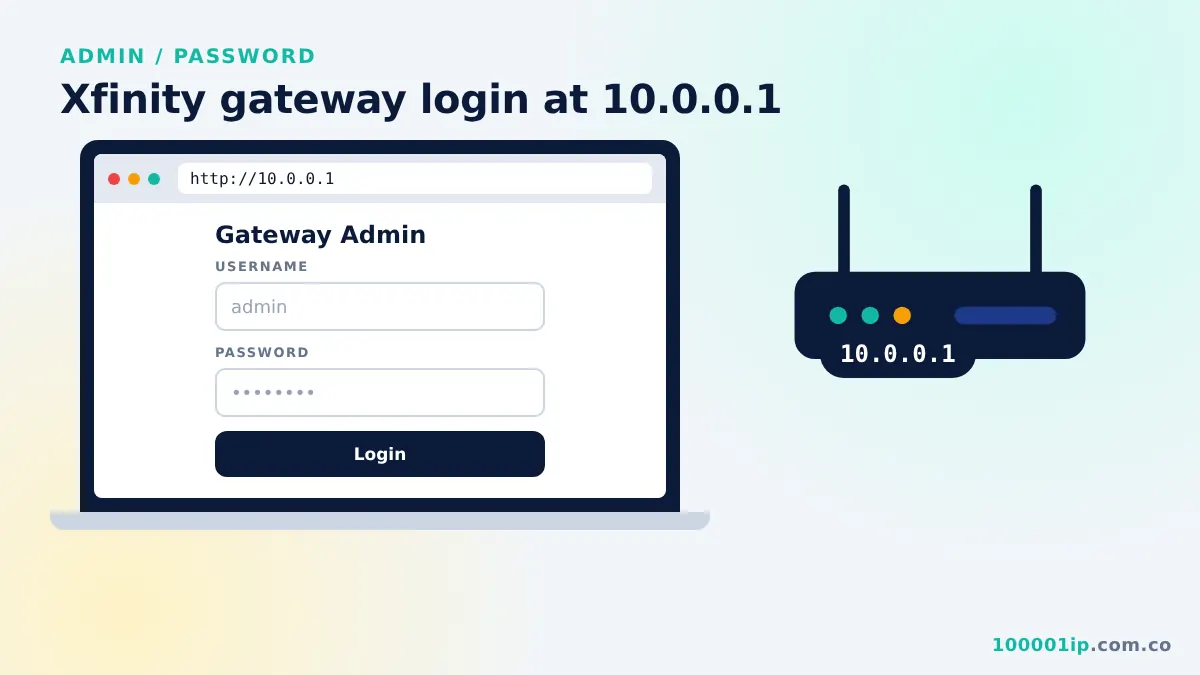
Owners open http://10.0.0.1/admin (Piso WiFi) or http://10.0.0.1 (router), then enter the admin username and password. Xfinity gateways default to admin / password; Piso WiFi logins are set by the installer.
The 10.0.0.1 admin login (10.0.0.1/admin) is the owner page for most Piso WiFi machines, and 10.0.0.1 itself is the admin page for many routers, including Xfinity gateways. This guide shows how to sign in, what the default passwords usually are, and how to reset access if you are locked out.
How to log in to 10.0.0.1/admin
- Connect your phone or computer to the machine’s WiFi or plug in with a LAN cable.
- Open a browser and type
http://10.0.0.1/admin(Piso WiFi) orhttp://10.0.0.1(router). - Enter the admin username and password.
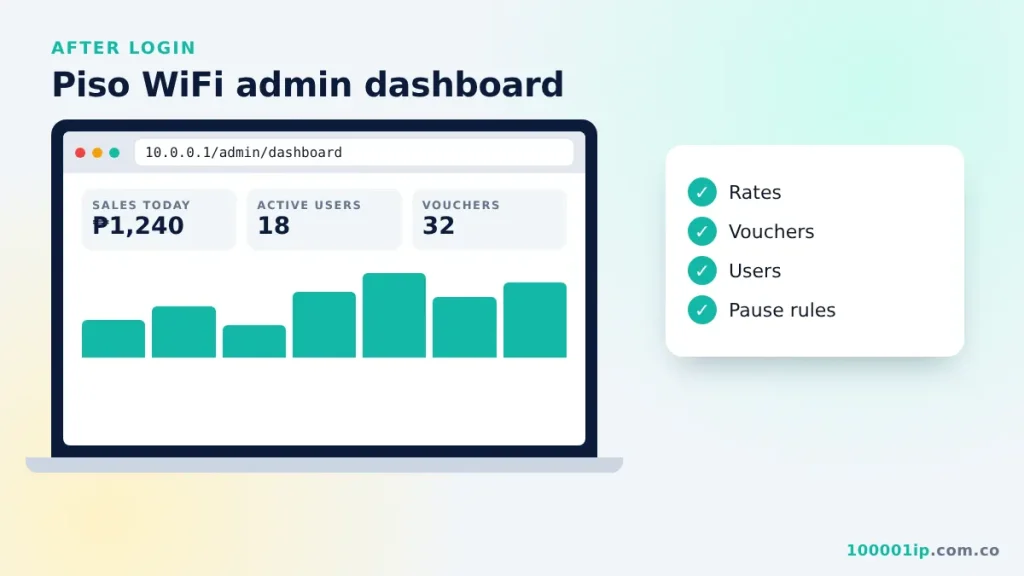
- Tap Login. The dashboard opens with sales, active users and settings.
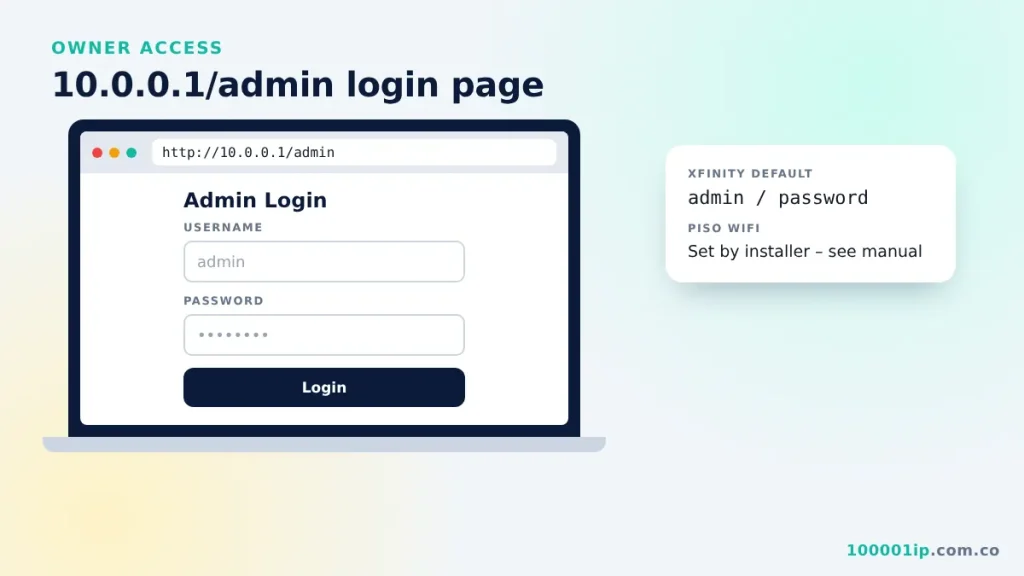
Default admin username and password
| Device | Admin page | Default username | Default password |
|---|---|---|---|
| Xfinity / Comcast gateway | 10.0.0.1 | admin | password |
| Piso WiFi (LPB, Adopisoft, JuanFi, WiFi5) | 10.0.0.1/admin | Set by the installer; listed in the manual or seller’s message | |
| Other routers on 10.0.0.1 | 10.0.0.1 | Printed on the sticker under the device | |
If the default does not work, someone changed it. That is a good thing for security. Use the reset steps below.
What owners can do in the admin panel
- Set coin rates and promo bundles.
- Generate and print vouchers.
- See daily and monthly sales.
- Kick or block users and view connected devices.
- Turn the pause feature on or off and set limits.
- Change the WiFi name, the portal banner and the admin password.
Forgot the 10.0.0.1 admin password?
- Try the default from the table above or the manual.
- Contact the seller or installer. Many vendo sellers can reset the admin login remotely or tell you the reset procedure for your board.
- Reset the router. Hold the reset button for 10 to 30 seconds while the device is on. This restores factory settings and the default password, but it also clears your WiFi name and other changes.
- Reflash the vendo software as a last resort, following the developer’s official instructions.
Secure your admin page
- Change the default password on day one. Use at least 12 characters (see this guide to password strength).
- Do not share the admin link or password with staff who do not need it.
- Keep the vendo software updated from the official developer.
- Change your customer WiFi password if you suspect misuse; see how to change WiFi password at 10.0.0.1.
10.0.0.1 admin FAQ
Can customers open the 10.0.0.1 admin page?
They can see the login form, but without the password they cannot get in. That is why changing the default password matters. If a customer guesses it, they can give themselves free time or change your rates.
Why does 10.0.0.1/admin show “page not found”?
Some vendo software uses a different path, such as /admin.html or a separate port. Check the manual or ask the seller for the exact link. On routers, the login form is usually on the main 10.0.0.1 page, not under /admin.
Can I open the admin page from outside the shop?
Not by default. 10.0.0.1 is a private address, so it only works on the local network. Some Piso WiFi systems offer remote monitoring through a cloud dashboard or app from the developer, which is safer than opening ports on your router.
Is “admin / admin” a safe password?
No. It is one of the first combinations anyone tries. Pick a long passphrase that only you know, and keep it in a password manager or a notebook stored away from the vendo.
What should I do after resetting the admin password?
Log in with the default, set a new admin password straight away, then check your rates, voucher settings and WiFi name. A factory reset can clear these, so confirm everything before customers start inserting coins again.
Related guides
- 10.0.0.1 Xfinity gateway login
- 10.0.0.1/client?page=dashboard explained
- 10.0.0.1 Piso WiFi portal guide
Frequently asked questions
What is the 10.0.0.1/admin password?
It depends on the device. Xfinity uses admin / password. Piso WiFi vendos use a login set by the installer, shown in the manual.
How do I reset the 10.0.0.1 admin password?
Hold the device's reset button for 10 to 30 seconds to restore defaults, or ask your vendo seller for the reset procedure.
Can customers access 10.0.0.1/admin?
They should not. The admin panel is for the owner. Owners should change the default password immediately.